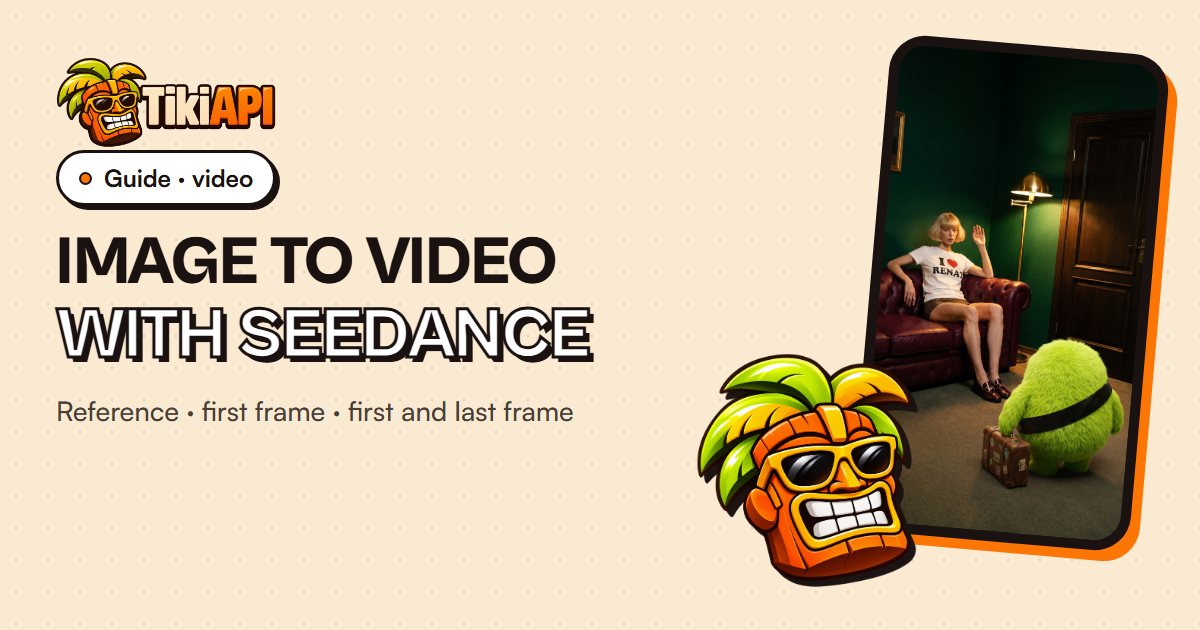
Image to video with Seedance: frames or references
By TikiAPI Team4 min read
In this post10 sections
You have a picture: a product shot, a character, a frame you approved. A video model can turn it into a clip in three ways, and one field picks the way: image_mode.
Three modes
image_mode | Images | What the clip does | Use it when |
|---|---|---|---|
reference (default) | one or more | Brings what is in your pictures (a person, a product, a place) into a new shot | You want the thing, not the exact frame |
first_frame | exactly 1 | Opens on your picture and moves from there | The opening must look exactly like your image |
first_last_frame | exactly 2 | Opens on the first picture and ends on the second | You know where the shot starts and where it ends |
At the time of writing, all four video models list these three modes in image_modes: Seedance 2.5, Seedance 2.0, Seedance 2.0 Fast and Gemini Omni 1.2 Flash. How many reference images each takes is max_reference_images in GET /v1/models: 30 for Seedance 2.5, 9 for Seedance 2.0 and 2.0 Fast, 3 for Gemini Omni 1.2 Flash at the time of writing.
Get your picture in
images takes public https links, or your own files after an upload (PNG, JPEG or WebP, up to 20 MB). For a file on your computer:
curl https://api.tikiapi.com/v1/uploads \
  -H "Authorization: Bearer $TIKIAPI_KEY" \
  --data-binary @frame.png
Put the url or the id from the answer into images. An upload is kept for 48 hours. More in Use your own files.
Mode 1: reference
Your images are ingredients. With Seedance, name them in the prompt as @Image1, @Image2 and say what each one is for:
@Image1 is the bottle: keep its shape and its label. @Image2 is the beach.
The bottle stands on the sand at sunset, waves roll in behind it.
Slow orbit around the bottle. Sound: waves and a soft ukulele.
The result is a new shot. The camera, the light and the framing come from your prompt, so the first frame won't be any of your pictures. How to give each image a clear role is in our Seedance prompt guide.
Mode 2: first frame
Send one image with image_mode: "first_frame". The picture already is the scene, so there is no need to describe it again. Write only what changes:
- what moves, in order;
- what the camera does;
- how the shot ends.
The woman lifts the cup, takes a sip and smiles at the lens.
Steam rises from the cup. Camera: static, a slow push-in.
Ends on her smile. Keep her face, her clothes and the room unchanged.
Pick an aspect_ratio that matches the picture, for example 9:16 for a vertical photo.
Mode 3: first and last frame
Send two images in order, the first frame and then the last, with image_mode: "first_last_frame". The prompt describes the way from one to the other:
The tiki mug slides along the bar from left to right
and stops in front of the man. The camera follows the mug.
Sound: glass on wood, a quiet bar crowd.
Make the two frames share the framing, the light and the style, so the only thing left to make is the action. An easy way is to make the last frame as an edit of the first with an image model.
Rules that save a failed request
first_frametakes exactly 1 image andfirst_last_frameexactly 2. Any other count is a400 invalid_parameter.- Frame modes take images only: no reference audio (
audios) and no reference videos (videos). To use your own sound or clip, usereferencemode. - From a frame, Gemini Omni 1.2 Flash makes clips of up to 10 seconds at the time of writing; without frames it goes up to 15.
- If the model refuses one of your images, the order fails with
input_refusedand nothing is charged. POST /v1/generations/estimatetakes the same body and returns the same error an order would, for free. Check a new body there first.
Sound on or off
All four models make sound with the picture. Describe it in the prompt: waves, a soft ukulele, glass on wood. On Seedance, audio: false gives a silent clip at the same price, which helps when your own music or voice-over goes on top. Gemini Omni 1.2 Flash always makes sound, so audio: false there is a 400.
A full request
Seedance 2.5, first frame, 5 seconds, vertical, no sound, then wait for the result:
import os, time, requests

API = "https://api.tikiapi.com/v1"
headers = {"Authorization": f"Bearer {os.environ['TIKIAPI_KEY']}"}

r = requests.post(f"{API}/generations", headers=headers, json={
    "model": "seedance-2.5",
    "prompt": "The woman lifts the cup, takes a sip and smiles at the lens. "
              "Camera: static, a slow push-in. Keep her face and the room unchanged.",
    "duration": 5,
    "resolution": "720p",
    "aspect_ratio": "9:16",
    "images": ["https://example.com/frame.jpg"],
    "image_mode": "first_frame",
    "audio": False,
})
gen = r.json()
if not r.ok:
    raise SystemExit(gen["error"]["message"])

while gen["status"] in ("queued", "running"):
    time.sleep(5)
    gen = requests.get(f"{API}/generations/{gen['id']}", headers=headers).json()

if gen["status"] == "succeeded":
    print(gen["outputs"][0]["url"])
else:
    print(gen["status"], gen["error"])
You pay per second of the clip; a frame or a reference image doesn't change that. See the live price of Seedance 2.5, Seedance 2.0, Seedance 2.0 Fast or Gemini Omni 1.2 Flash.
Build it first with a tk_test_ key: it is free and returns sample results in the same shape.
Get the result
A video usually takes more than a minute. Two ways to know when it is done:
- Poll
GET /v1/generations/{id}every 5 to 10 seconds, as above. While the order runs,eta_secondssays about how many seconds are left. - Webhook: add
webhook_urlto the order, and we send the finished order to your server. See Webhooks.
Then download the file. Results are kept for 30 days, until each output's expires_at.
FAQ
Which mode keeps my picture exactly?
first_frame: the clip opens on your image. With reference, the model brings the person or product into a new shot. To keep one person across many shots, see the same face in every image and video.
Can I use more than two images with frames?
No. Frame modes take one or two images. To bring in more people, products or places, use reference mode.
Can I add my own voice or music to a frame clip?
Not in the same order: frame modes don't take reference audio. Use reference mode with audios on Seedance, or make the clip with audio: false and add your sound afterwards.