Seedance 2.5 prompts that work: frames, references and timing
By TikiAPI Team1 min read
In this post7 sections
What we learned making real clips with Seedance 2.5.
Start from a frame when the look matters
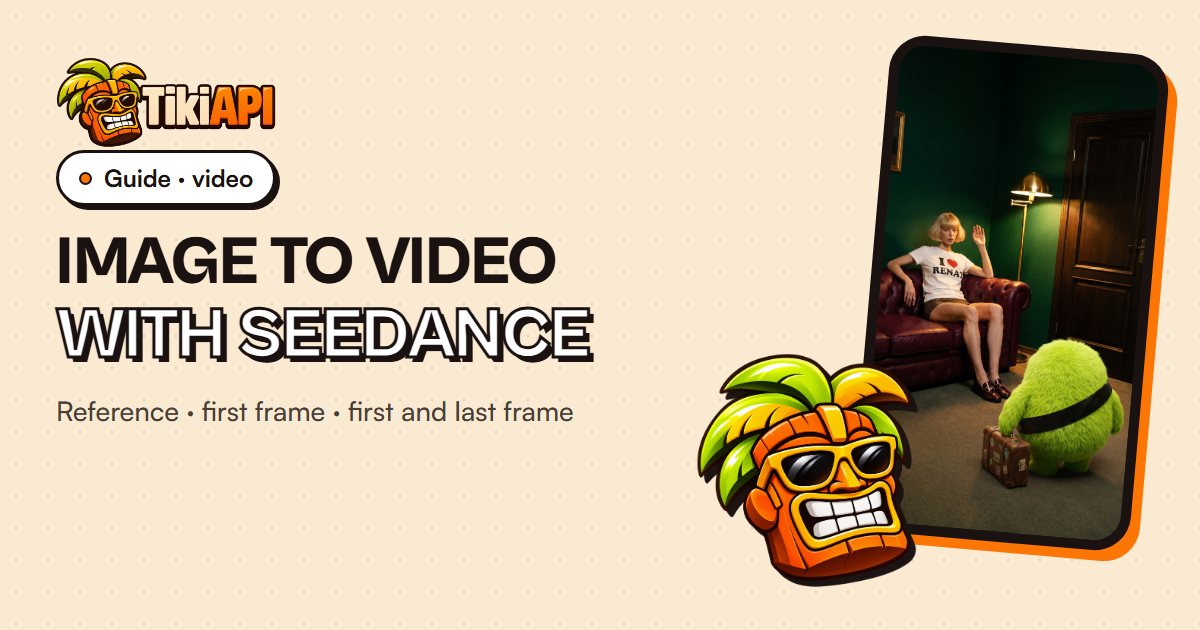
If the shot must look exactly like an approved image, send it with image_mode: "first_frame". The clip opens on that frame and only moves from there. Say what must stay: "keep every face, the clothes, the room and the light unchanged."
Give every reference a role
With several reference images, say what each one controls and what not to take from it: "image 1 is the woman: her face and hair only, not her clothes; image 2 is the room." For a person, a face close-up plus a full-body photo works; a turnaround sheet reads as several people.
Write motion as a timeline with end states
Seedance follows time well. Describe what happens and where it ends:
0–2 s: she stares into the lens, deadpan, blinks once.
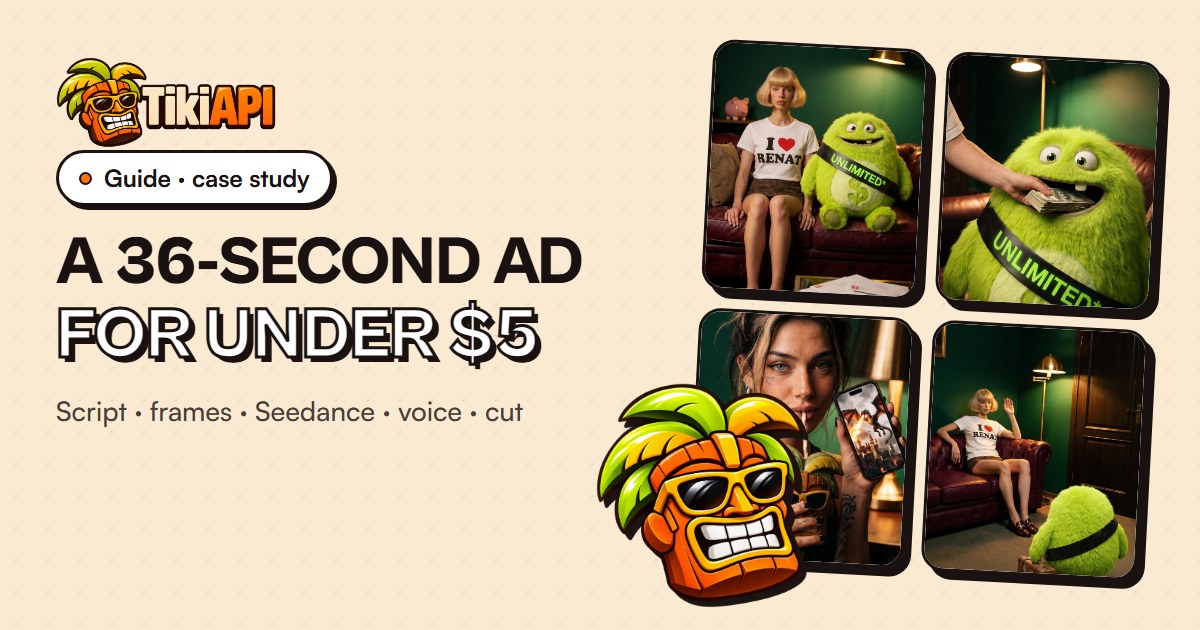
2–4 s: the monster beside her gulps; its belly bulges out; it ends with a small burp.
Camera: static, a very slow push-in.
Control the sound
Seedance 2.5 makes sound with the video. If you will add a voice-over later, ask for effects only: "no speech, no music, only the sound effects described", and name them: a wet chomp, a cash register ka-ching. Sound can also be turned off with audio: false.
Short clips or one take
- Short clips (4–6 s) from approved frames: exact control, easy to cut.
- One take (up to 30 s): continuous action and dialogue in one scene.
Check the limits live
Reference counts, lengths and resolutions change as the model updates: always read them from GET /v1/models, and price the clip with estimate_cost before you order.
FAQ
How long can a Seedance 2.5 clip be?
Up to 30 seconds at the time of writing; the live limit is in GET /v1/models.
Does a first frame cost extra?
No. The price is per second of the clip; reference videos may be priced differently, see the live price.