Guide#guide#characters#consistency
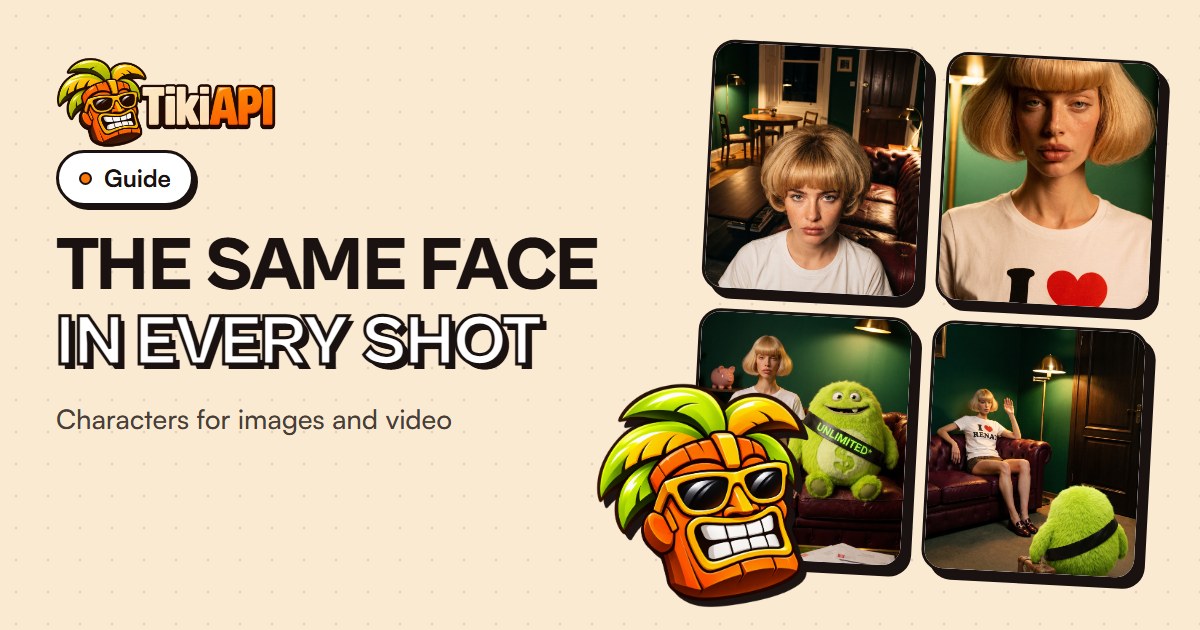
The same face in every AI image and video
By TikiAPI Team1 min read
In this post6 sections
Faces drift between generations unless you pin them down. This is what works for us.

1. Two photos, not a sheet
Give a clean face close-up and a full-body photo. A front, side and back turnaround sheet looks like a great reference, but video models read it as several people.
2. An identity block first
Start the prompt with a fixed block that points at the photo and lists what to keep: the same face, proportions, skin tone, eye colour, eyebrows, moles and tattoos, and the hair exactly as in the photo. Never describe the hair in your own words: the model will draw your words, not the photo.
3. Framing before everything
A face that is small in the frame drifts. Put the framing first in the prompt: "medium close-up, her face large in the upper third".
4. Save the character once
With TikiAPI you can save a person and reuse them by id:
- REST:
POST /v1/characterswith the face and body photos, thencharacter_idin any order. - MCP:
create_character, thengeneratewithcharacter_id.
The server puts the photos first and adds the identity block for you.

5. Images first, then video
Make the frames with an image model, approve them, then animate each frame as the first frame of a video clip. The face stays because the video starts from your approved image.
FAQ
Can I use two characters in one shot?
Yes: character_ids takes two people.
Does it work with any model?
It works with image and video models that take reference images; the limits per model are in GET /v1/models.