Which AI image model to use: a guide by job
By TikiAPI Team4 min read
In this post6 sections
Six image models from three makers are on TikiAPI at the time of writing. Every one is ordered with POST /v1/generations and the same fields, so trying another one is a change of model.
The facts
| Model | Maker | Sizes | Aspect ratios | Reference images | Price |
|---|---|---|---|---|---|
| Nano Banana Pro | 1K, 2K, 4K | 10 | up to 8 | live price | |
| Nano Banana 2 | 1K, 2K, 4K | 10 | up to 8 | live price | |
| GPT Image 2.6 Sunburst | OpenAI | 1K, 2K, 4K | 15 | up to 16 | live price |
| GPT Image 2.6 Flare | OpenAI | 1K, 2K, 4K | 15 | up to 16 | live price |
| Seedream 5.0 Pro | ByteDance | 1K, 2K | 8 | up to 8 | live price |
| Seedream 5.0 Flash | ByteDance | 1K, 2K | 8 | up to 10 | live price |
These are the numbers at the time of writing. The live ones are in GET /v1/models: resolutions, aspect_ratios and max_reference_images. Every model is priced per picture, by size.
The shapes differ more than the table shows:
- Nano Banana Pro and 2: 1:1, 2:3, 3:2, 3:4, 4:3, 4:5, 5:4, 9:16, 16:9, 21:9.
- GPT Image 2.6 Sunburst and Flare: all of those, plus 9:21, 1:2, 2:1, 1:3 and 3:1.
- Seedream 5.0 Pro and Flash: 1:1, 4:3, 3:4, 16:9, 9:16, 3:2, 2:3, 21:9. No 4:5.
What the makers say
We don't rank these models ourselves. Below are the makers' own words, with links.
- Nano Banana Pro. Google: "the best model for creating images with correctly rendered and legible text directly in the image", with "improved localized editing".
- Nano Banana 2. Google: "an upgrade from previous Flash image models with more reliable text rendering", and "speed and visual fidelity".
- GPT Image 2.6 Sunburst. OpenAI: "Image generation and editing for detailed visual work."
- GPT Image 2.6 Flare. OpenAI: "Image generation and editing for fast iteration."
- Seedream 5.0 Pro. ByteDance: "Provides higher image quality and is suitable for scenarios where image quality is the priority." On text, ByteDance says the model "automatically adapts to the typographic rules of different languages".
- Seedream 5.0 Flash. ByteDance: "Generates images faster and costs less, making it suitable for latency- and cost-sensitive scenarios."
Pick by job
Words on the picture
For posters, labels and signs, Google positions Nano Banana Pro for legible text, and ByteDance makes its own text claims for Seedream 5.0 Pro. Whichever you use, put the exact words in quotes in the prompt: a neon sign that says "OPEN".
Drafts and volume
Each maker has a quick model: Nano Banana 2 from Google, GPT Image 2.6 Flare from OpenAI and Seedream 5.0 Flash from ByteDance. Draft and test ideas there, then make the final picture on the matching higher-end model with the same prompt. At the time of writing, Seedream 5.0 Flash charges the same for 1K and 2K; check the live price.
Edit your own photo
Every model here takes your pictures. Put the photo in images and say in the prompt what to change and what to keep: "replace the background with a beach at sunset; keep the bottle, its label and the light on it unchanged."
Many reference images
GPT Image 2.6 Sunburst and Flare take up to 16 reference images at the time of writing, Seedream 5.0 Flash 10, and the others 8. Use them for a product, a person and a place in one picture, or several angles of one product. Say in the prompt what each image is: "image 1 is the bottle, image 2 is the kitchen." For the same person across many pictures, see the same face in every image and video.
4K
Nano Banana Pro, Nano Banana 2, GPT Image 2.6 Sunburst and GPT Image 2.6 Flare. Seedream 5.0 makes 1K and 2K.
Banners, strips and feed posts
For very wide or very tall pictures, GPT Image 2.6 has the most shapes, from 1:3 to 3:1. For a 4:5 feed post, use Nano Banana or GPT Image: Seedream lists no 4:5.
Frames for a video
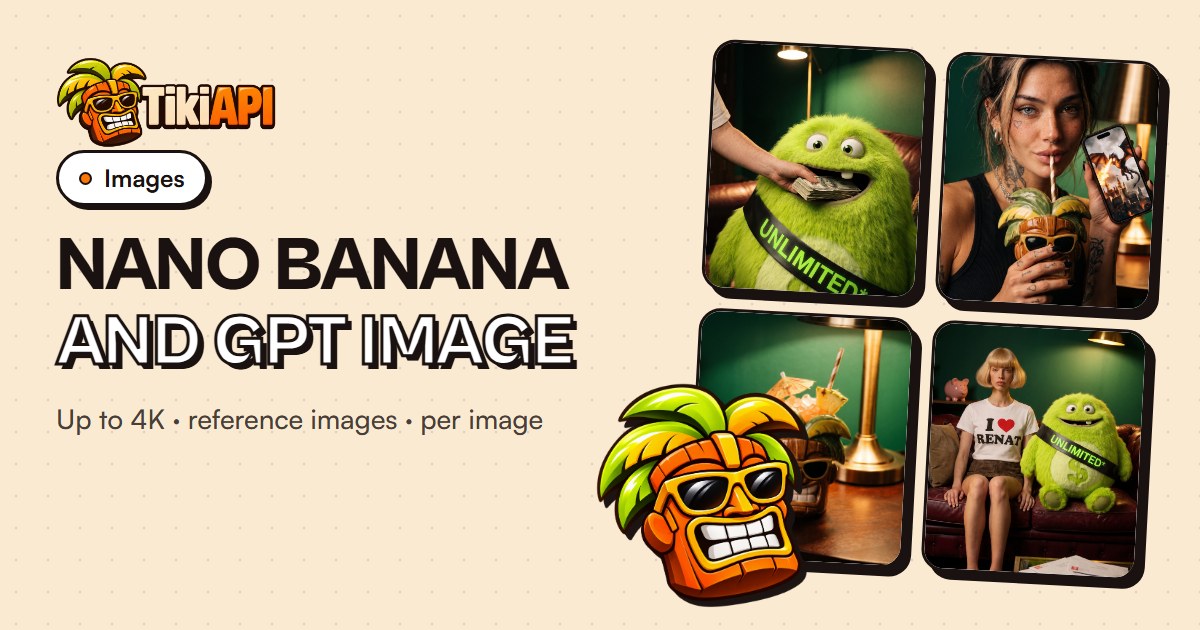
Frames you will animate later, for example as the first frame of a Seedance clip, can come from any of these models. Make them in the clip's shape, such as 9:16. The frames of our own ad were made with Nano Banana Pro.
Order an image
curl https://api.tikiapi.com/v1/generations \
  -H "Authorization: Bearer $TIKIAPI_KEY" \
  -H "Content-Type: application/json" \
  -H "Prefer: wait=60" \
  -d '{
    "model": "seedream-5.0-flash",
    "prompt": "The same bottle on wet black stone, studio light, the label unchanged",
    "resolution": "2K",
    "aspect_ratio": "3:4",
    "images": ["https://example.com/bottle.jpg"]
  }'
Prefer: wait=60holds the answer until the picture is ready, for up to 60 seconds. If it is ready, the answer is200and the picture is inoutputs[0].url. If not, you get202, and you pollGET /v1/generations/{id}.- Sizes are written with a capital K:
1K,2K,4K. - Without
aspect_ratio, an image comes out square. imagestakes public https links, or your own files fromPOST /v1/uploads(PNG, JPEG or WebP, up to 20 MB). See Use your own files.
To see the price first, send the same body to POST /v1/generations/estimate. Nothing is made or charged. Want to try without spending? A tk_test_ key returns free sample results.
Compare them side by side
- Nano Banana Pro vs GPT Image 2.6 Sunburst
- Nano Banana Pro vs Nano Banana 2
- GPT Image 2.6 Sunburst vs GPT Image 2.6 Flare
- Seedream 5.0 Pro vs Seedream 5.0 Flash
- Nano Banana 2 vs Seedream 5.0 Flash
Our prices next to the makers' own: Google, OpenAI, BytePlus. More about two of the families: Nano Banana Pro and GPT Image and Seedream 5.0 Pro and Flash.
FAQ
Which image model is the cheapest?
Prices change often. The pricing page and GET /v1/models have today's price per picture for each size.
Can I edit my own photo?
Yes, with every model here. Put the photo's link, or an upload from POST /v1/uploads, in images and describe the change.
How many reference images can I send?
From 8 to 16 at the time of writing, depending on the model. max_reference_images in GET /v1/models has the live number.