TikiAPI inside Claude, Cursor and ChatGPT
By TikiAPI TeamUpdated 1 min read
In this post4 sections
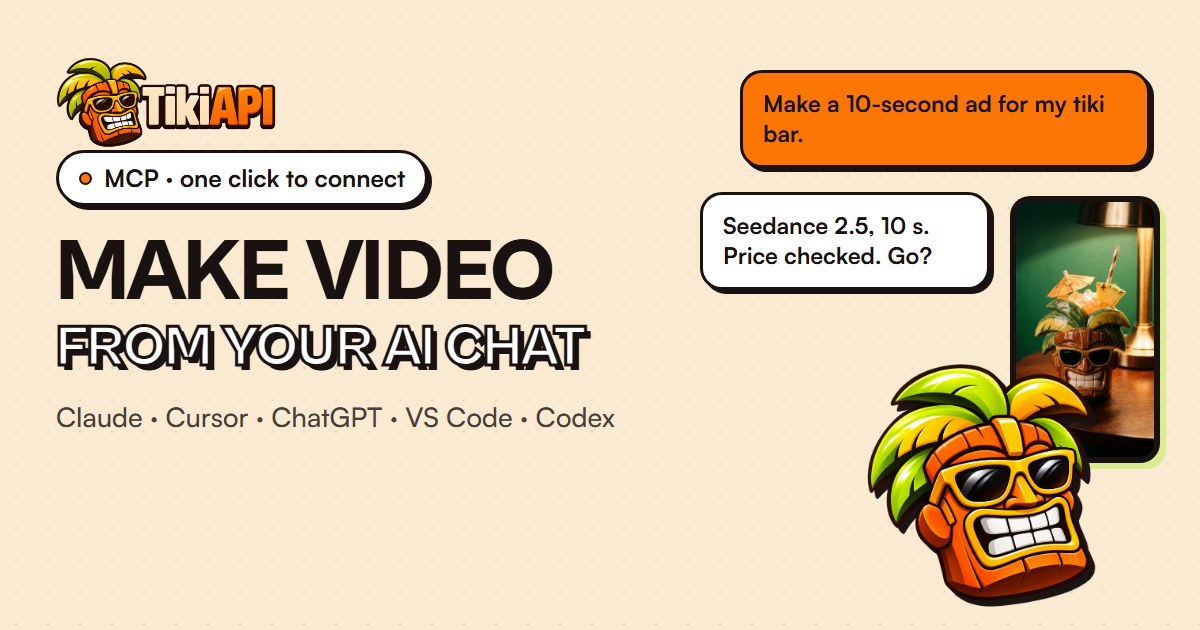
Our MCP server lets your AI assistant make media for you: https://mcp.tikiapi.com/mcp
One click to connect
The MCP page has install buttons for claude.ai, Claude Code, Cursor, VS Code, Codex and ChatGPT. You sign in with your TikiAPI account; no key to paste.
Look first, sign in when you pay
Before you sign in, the assistant can already list the models, check prices with estimate_cost and open the ready-made scenarios. Sign-in is asked only at the first paid step. Every paid step shows its price first and waits for your yes.
What it can do
- generate: images, video, songs and sound effects; several orders at once with
wait_for_generations. - Small previews of every result in the chat, with links to the full files.
- upload_media: your own photos and clips, big files by a signed link (no base64).
- create_character: save a person once, keep the same face in every picture and clip.
- speak and transcribe: voice-overs and word-timed captions.
- edit_video: reframe for Reels or assemble a cut with music, voice and captions.
Ready-made scenarios
Ad video from idea to cut, ad script, audience test, consistent character, voice-over with captions, UGC ad, look match, product photo and thumbnail. In Claude Code they are slash commands; elsewhere, ask for list_scenarios.
Prefer skills? The same playbooks for Claude Code, Codex and Cursor are open source: github.com/tikiapi/skills.